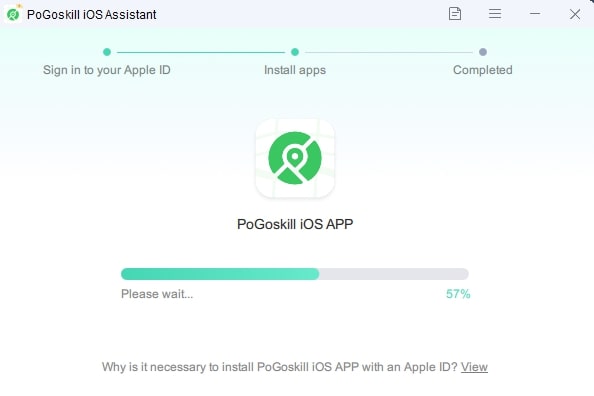
Launch the PoGoskill iOS Assistant on your computer and sign in to your Apple account. The account does not have to be the same account currently linked to your iPhone.
Step 2
Connect your device
Establish a connection through a USB data cable between your iOS device and computer. Tap the "Install PoGoskill iOS App" button. Accept and trust the computer on your iPhone.
Step 3
Finish installing the PoGoskill iOS App
The PoGoskill iOS App begins installing on your device. Keep a stable internet connection and ensure that your device remains connected until installation is completed.