Installation Successful!

How to Use PoGoskill MHN Wizard?

Step 1

Download and install PoGoskill MHN Wizard.

Complete the on-screen instructions to activate the program.
pogoskill mhn wizard

Step 2

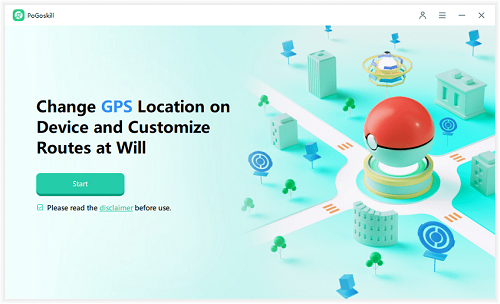
Download and install PoGoskill.

Hit the “Start” button. Connect your device to the computer using a USB data cable or via WiFi wireless connection.

Step 3

Select a location on the map.

Enter the destination address or GPS coordinates you wish to change to in the search box and then click the "Start to Modify" button.
pogoskill mhn wizard